The same AI agent, on WhatsApp
Deploy the Sell Whisper AI agent your team already trained on WhatsApp. Customers message the number you connect; the agent answers from the same knowledge base and escalation rules as the website widget.
WhatsApp without a second brain
One agent, one knowledge base, one set of handoff rules.
Same agent as the website
WhatsApp uses the agent you configured in the dashboard—not a separately trained assistant.
Same knowledge base
Uploads, website crawls, and Q&A entries are available on WhatsApp the moment they are indexed.
Same escalation rules
Talk to a human still works. Handoffs land in the same Live Chat queue.
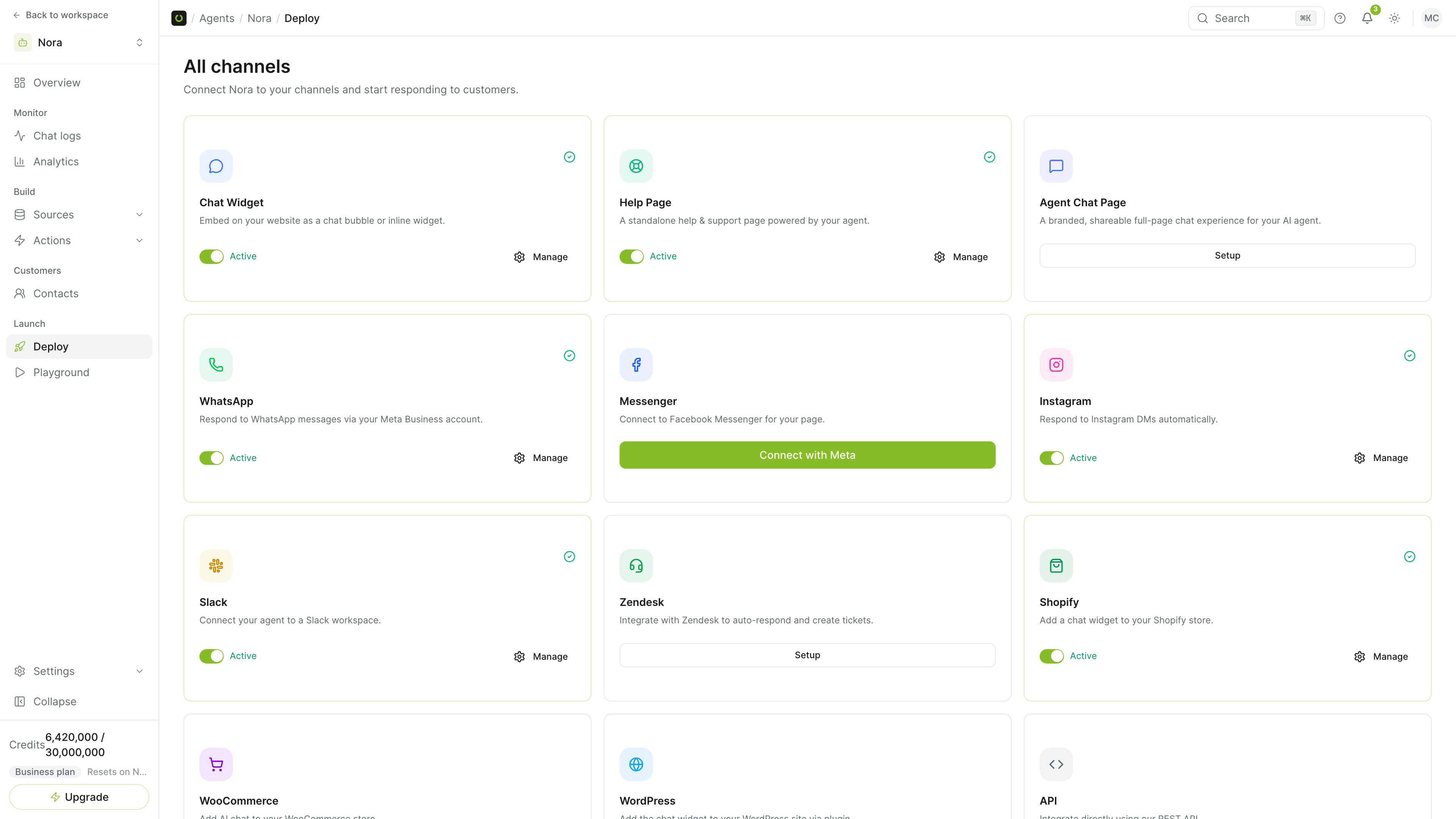
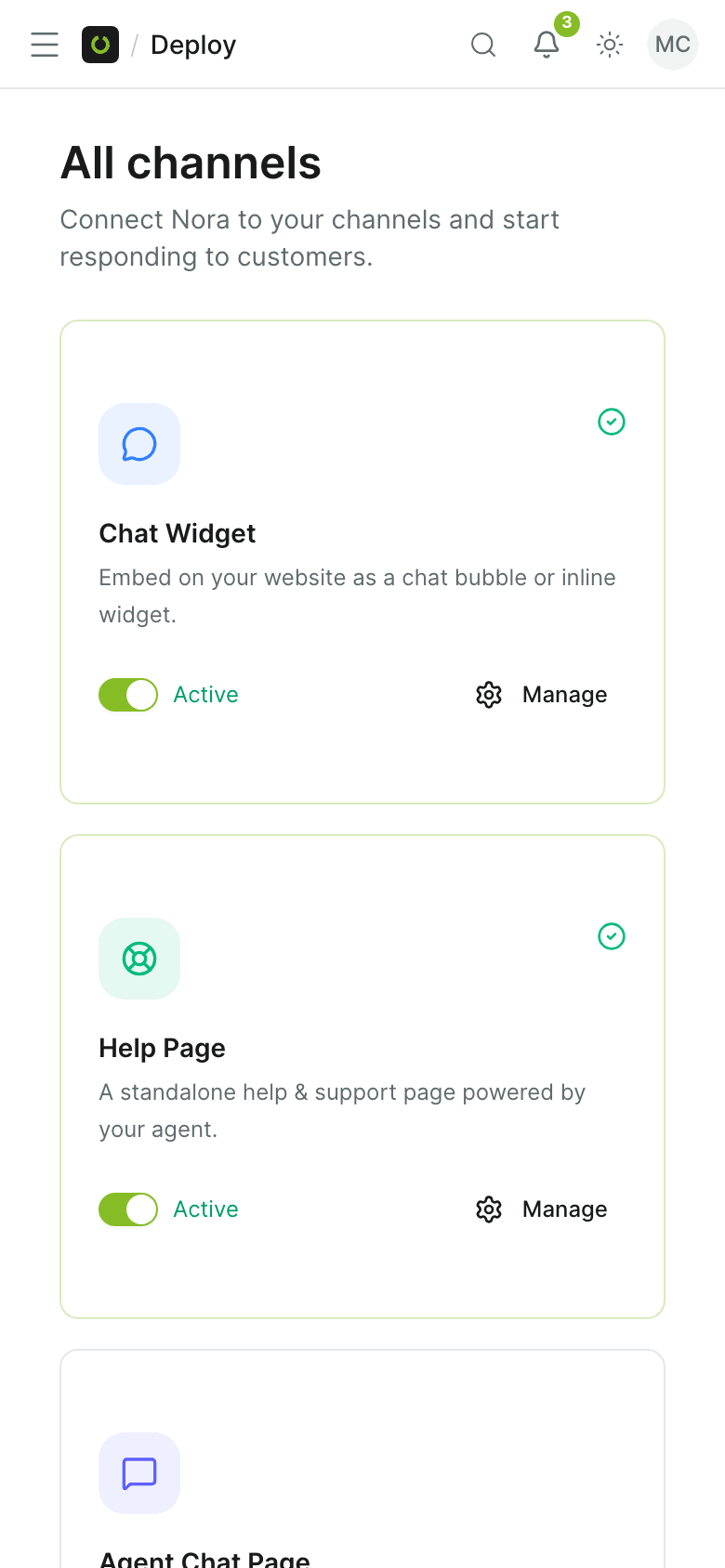
Connected from Deploy
Turn WhatsApp on from the agent's Deploy panel. Follow /docs/deployment-guides for the channel steps.
Built for the inbox customers already use
Answer where the thread already is.
- Customers stay on WhatsApp; the agent uses your existing knowledge base.
- Escalation rules match every other channel.
- No second agent to configure for messaging.
- Setup lives in the dashboard Deploy UI.
The agent you already trained
WhatsApp runs the same agent as your website, from Starter ($39/month). There is no second assistant to train.
- Shared knowledge base
- Human handoff
Common questions
Which plans include WhatsApp?
Does the WhatsApp agent use the same knowledge as the website widget?
Can WhatsApp conversations hand off to a human?
Where is the setup guide?
Get started
Put your agent on WhatsApp
Connect WhatsApp from Deploy and keep using the agent you already trained.