Answer support emails with the agent you already trained
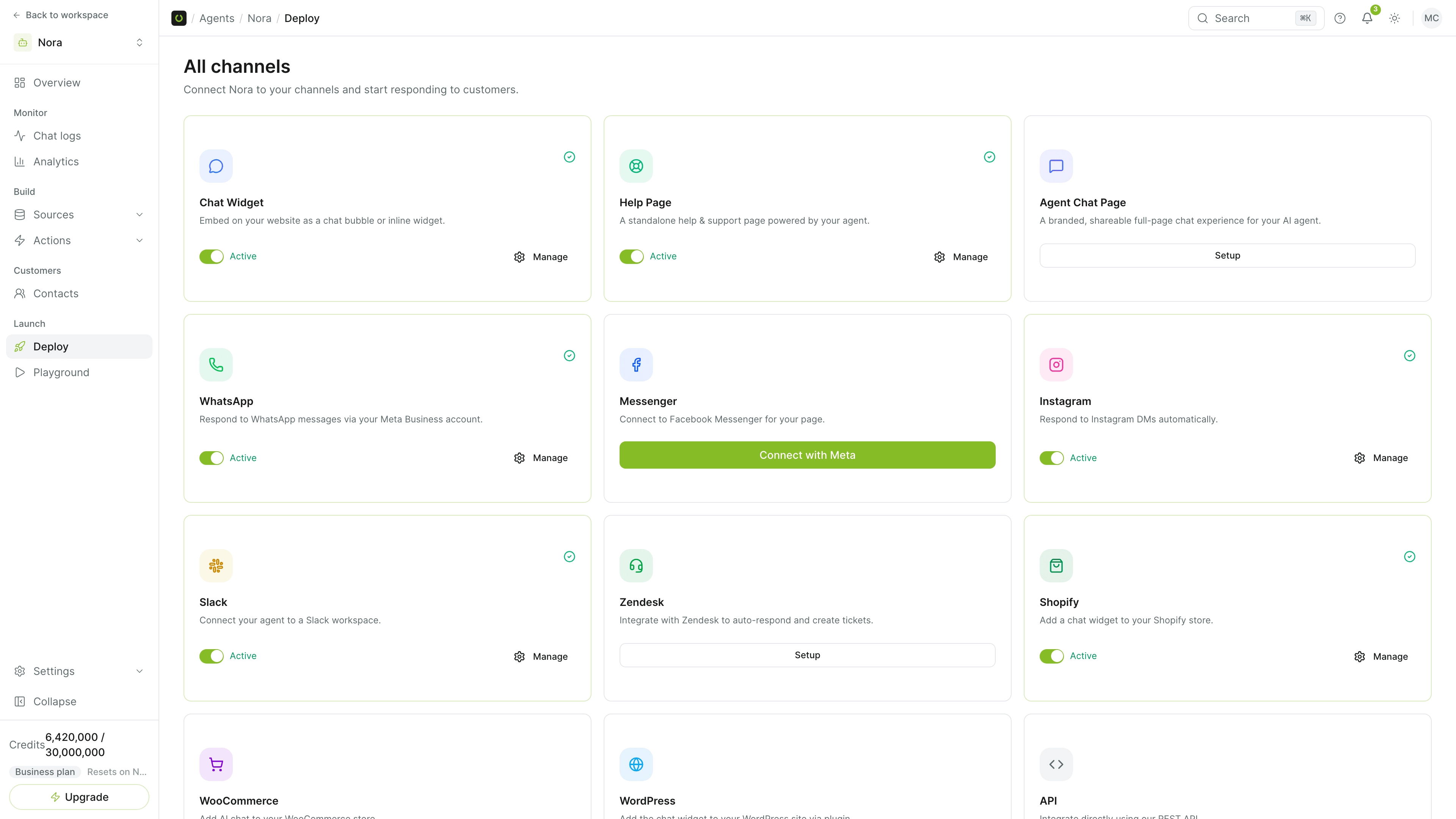
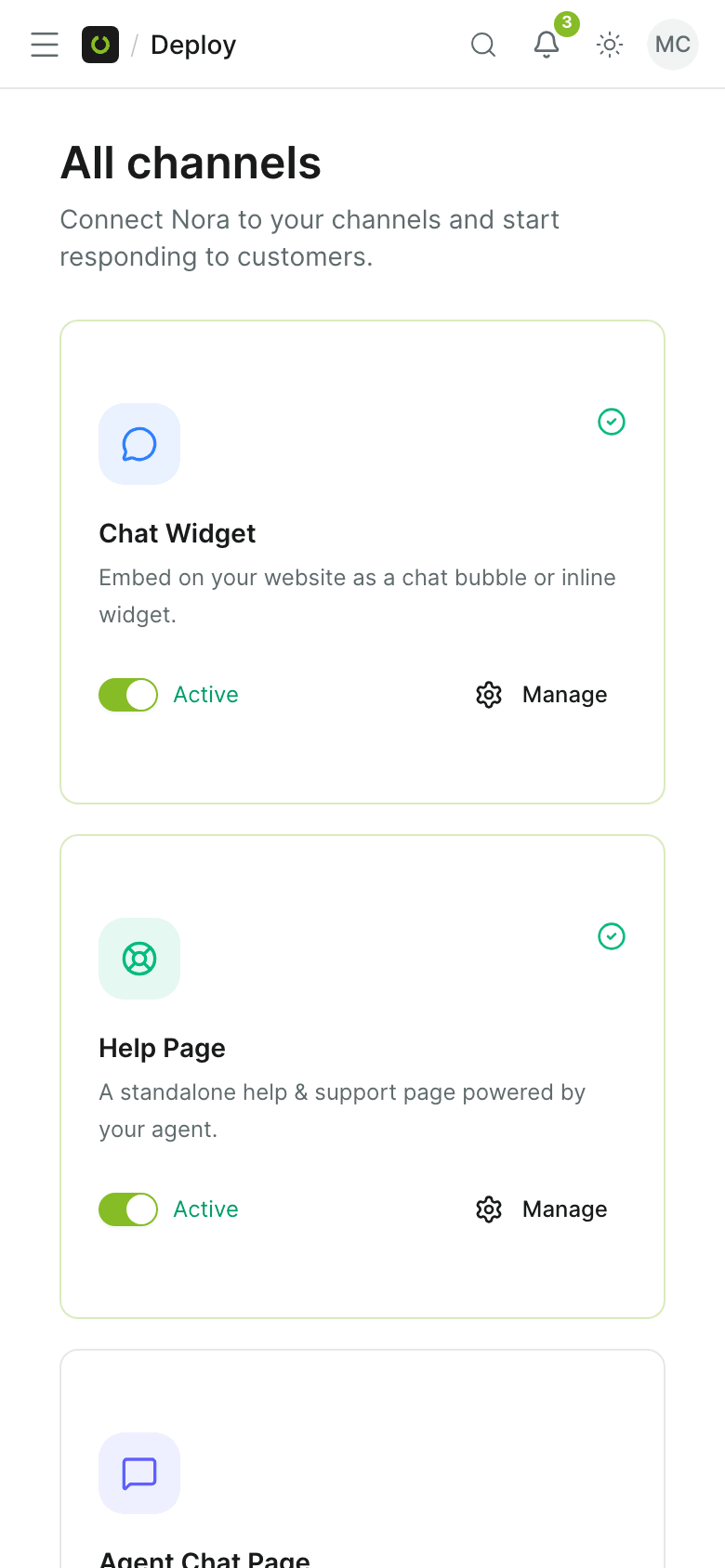
Turn on Email and your agent gets its own address. Customers write to it, or you forward your support address to it, and the agent answers in the same thread from your knowledge base. Email is in beta.
An inbox the agent can answer
What happens to a message from the moment it arrives.
An address for each agent
Turning on Email gives the agent its own address, which works straight away and is enough for a first test.
Forward your support address
Keep the address customers already write to: add it, create a forwarding rule in your email provider and verify it. Replies leave from the agent's address under your display name.
Replies in the same thread
The agent sets the quoted history aside, answers from your knowledge base and replies in the thread the customer started.
Images and audio attachments
Images go to the model when it accepts images, audio is transcribed and the start of a plain-text file is read. PDFs and Word files are named to the agent, not read.
Team takeover from the inbox
When a thread is escalated the agent stops answering it. A teammate replies from the inbox and the answer goes out by email in the same conversation.
Tickets from email
Turn on ticket intake and each inbound email opens a support ticket instead of an AI reply. Later replies in the thread become comments on the ticket.
Email answered by the agent that knows your policies
No second tool for the inbox.
- The same agent, knowledge base and escalation rules as your other channels.
- Works with the support address you already publish, by forwarding.
- An optional footer tells readers the reply came from an AI assistant.
- Give the agent different instructions for email than for chat.
In beta, on Pro and above
Email is marked Beta in the dashboard. Replies are plain text, with your display name and signature. Automatic replies and mail loops are detected and left unanswered.
- Beta
- Plain-text replies
- Loop protection
Common questions
Which plans include email?
Can I keep my own support address?
Does the agent read attachments?
Can a person take over an email thread?
Can emails become tickets instead of AI replies?
Get started
Put your agent on email
Turn on Email from Deploy, send a test message and read the reply in the thread.