Add an AI chatbot to WordPress with one plugin
Install the Sell Whisper AI Chat Widget plugin, paste your Widget ID and the agent answers visitors from your knowledge base on the pages you choose. No theme edits.
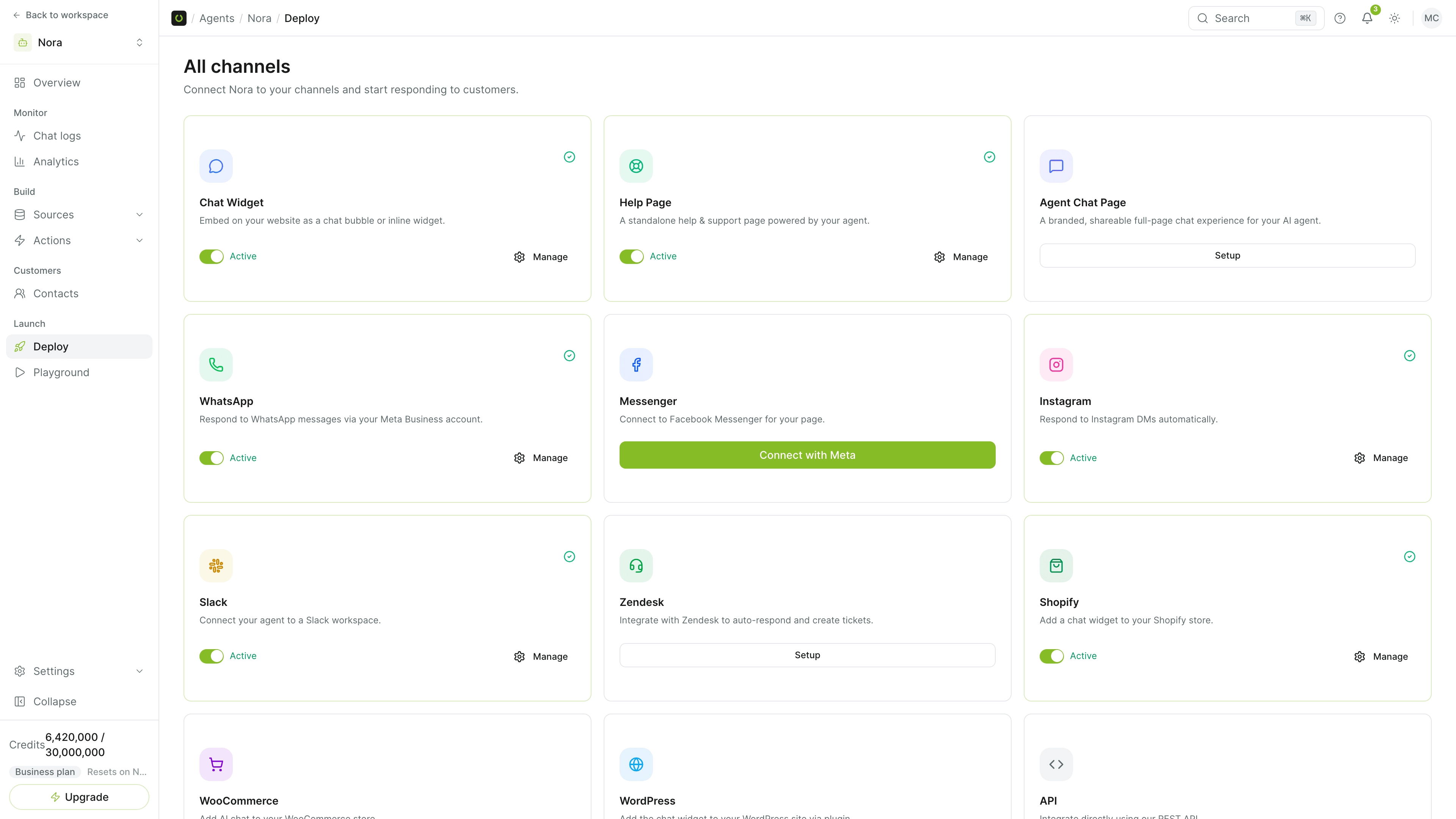
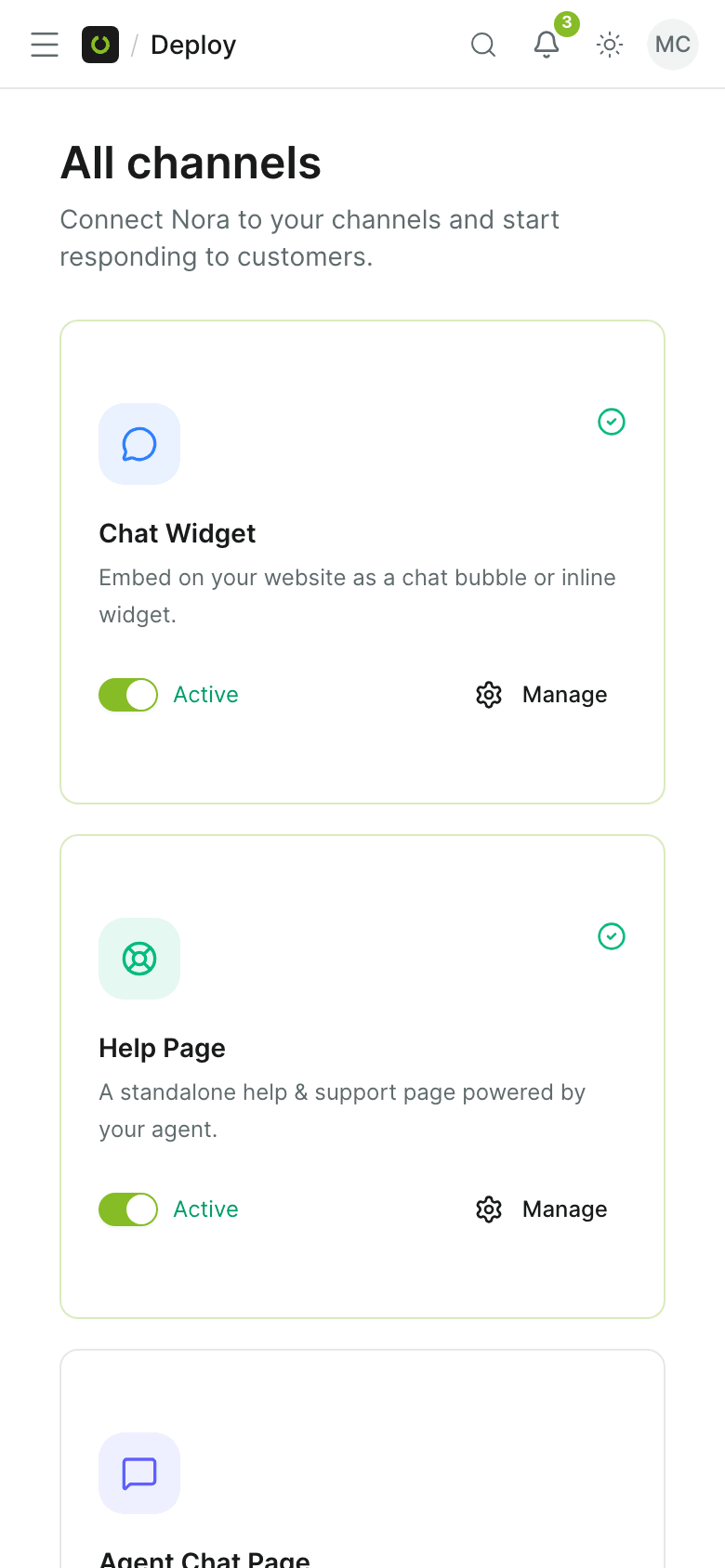
The chat widget, managed from WordPress
Install it once, then decide where it shows and how it looks.
Install and paste one ID
Install the plugin, open Settings, then Sell Whisper AI, and paste the Widget ID from the WordPress card on your agent's Deploy page.
Choose the pages
Show the widget everywhere, or include and exclude pages with URL rules. A box on each page and post overrides the rule.
Style it from WordPress
Override the color, position and theme, set the greeting and add your own CSS in the plugin's settings, or leave the look to the widget builder.
Open and greet your way
Open the chat automatically, or show a short teaser message beside the bubble.
Shortcode and block
Place the chat with the [sellwhisper_chat] shortcode or with the block in the WordPress editor.
WooCommerce when you need it
The same plugin carries the WooCommerce connection: product and order lookup, cart help and profile updates, on Pro and above.
For the site you already run
A plugin your team can install without a developer.
- Available on every plan, including Free.
- Per-page control over where the chat appears.
- The agent, its knowledge base and escalation rules are the ones you set in the dashboard.
- Add WooCommerce later without a second plugin.
No theme edits
The plugin loads the widget for you. If you would rather not use a plugin, the WordPress card also shows an embed code to paste before the closing body tag.
- WordPress plugin
- Widget ID
- No theme edits
Common questions
Which plans include WordPress?
Which WordPress and PHP versions does the plugin need?
The widget does not appear. What should I check?
Does the plugin work with WooCommerce?
Get started
Add the agent to your WordPress site
Install the plugin, paste your Widget ID and choose where the chat shows.