How to answer Instagram and Messenger messages with an AI agent
Connect an Instagram professional account and a Facebook Page to a Sell Whisper AI agent so it answers direct messages. On Starter and above.
Do this in order
Get your Meta accounts ready
Instagram needs a Business or Creator account that is linked to a Facebook Page you admin. Messenger needs admin access to the Facebook Page. Both channels are available on Starter and above.
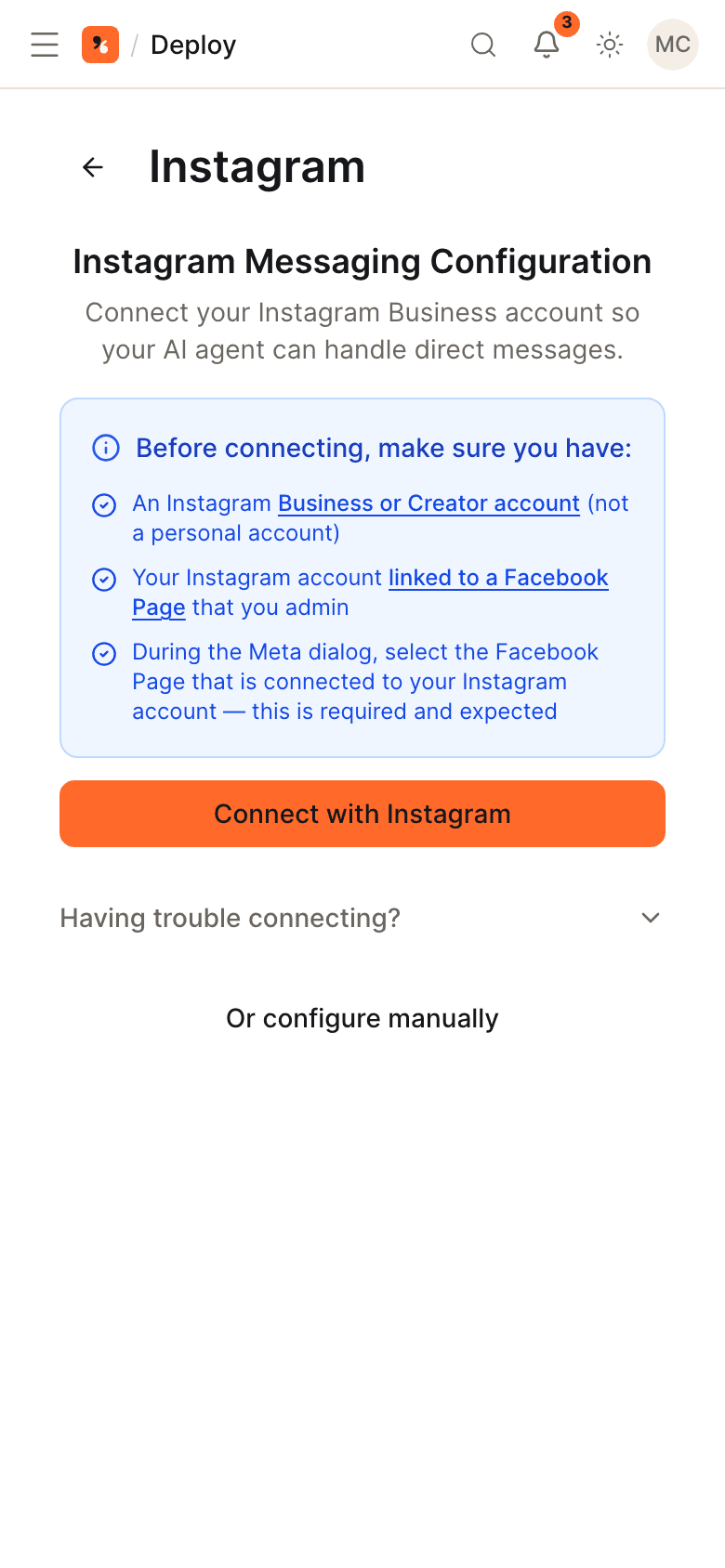
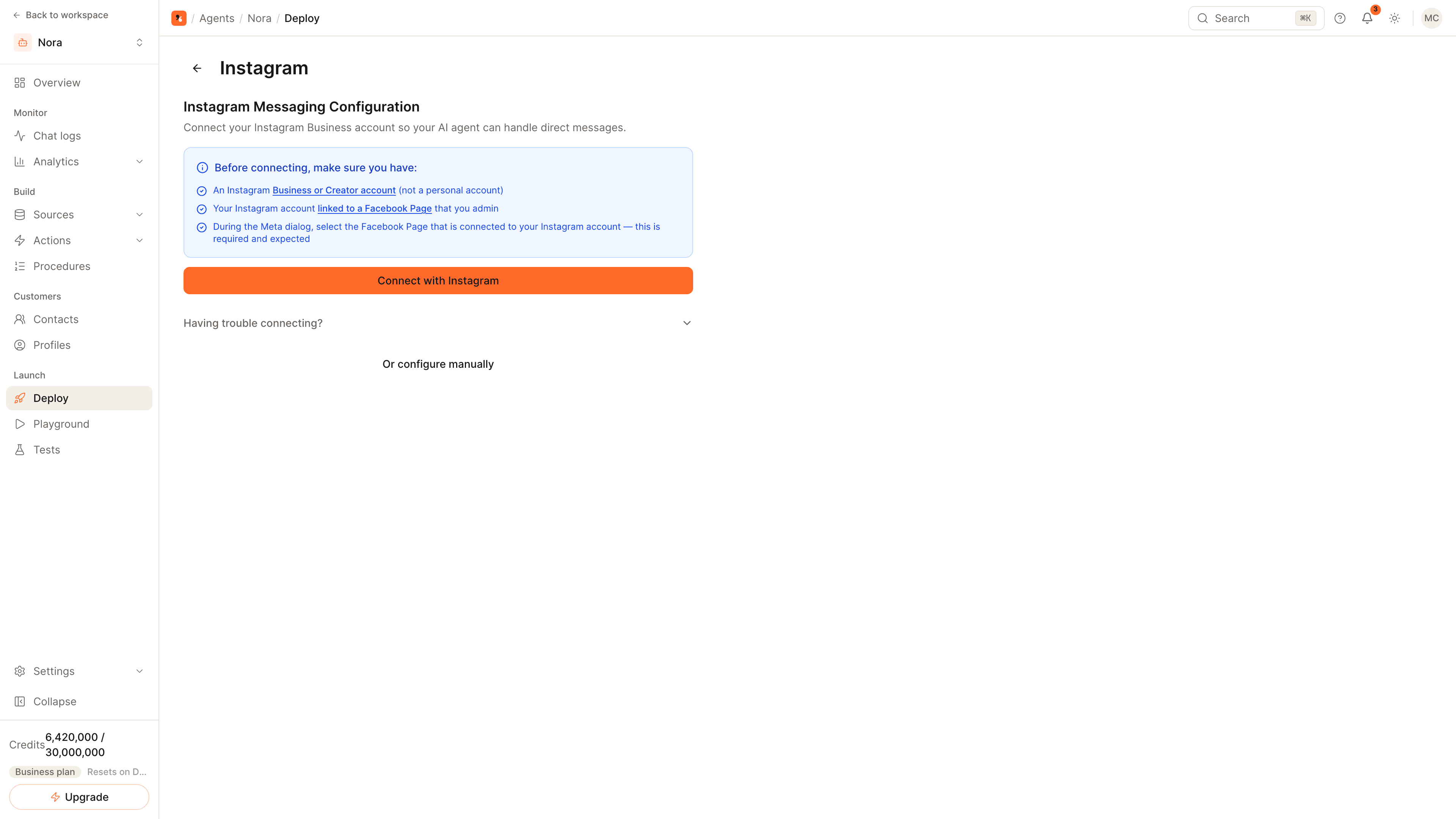
Connect Instagram
Open the agent, go to Deploy and click Connect with Meta on the Instagram card, then Open Facebook Login. In the Meta dialog, select the Facebook Page your Instagram account is linked to. If Meta offers to continue with your previous settings, choose Edit settings instead.
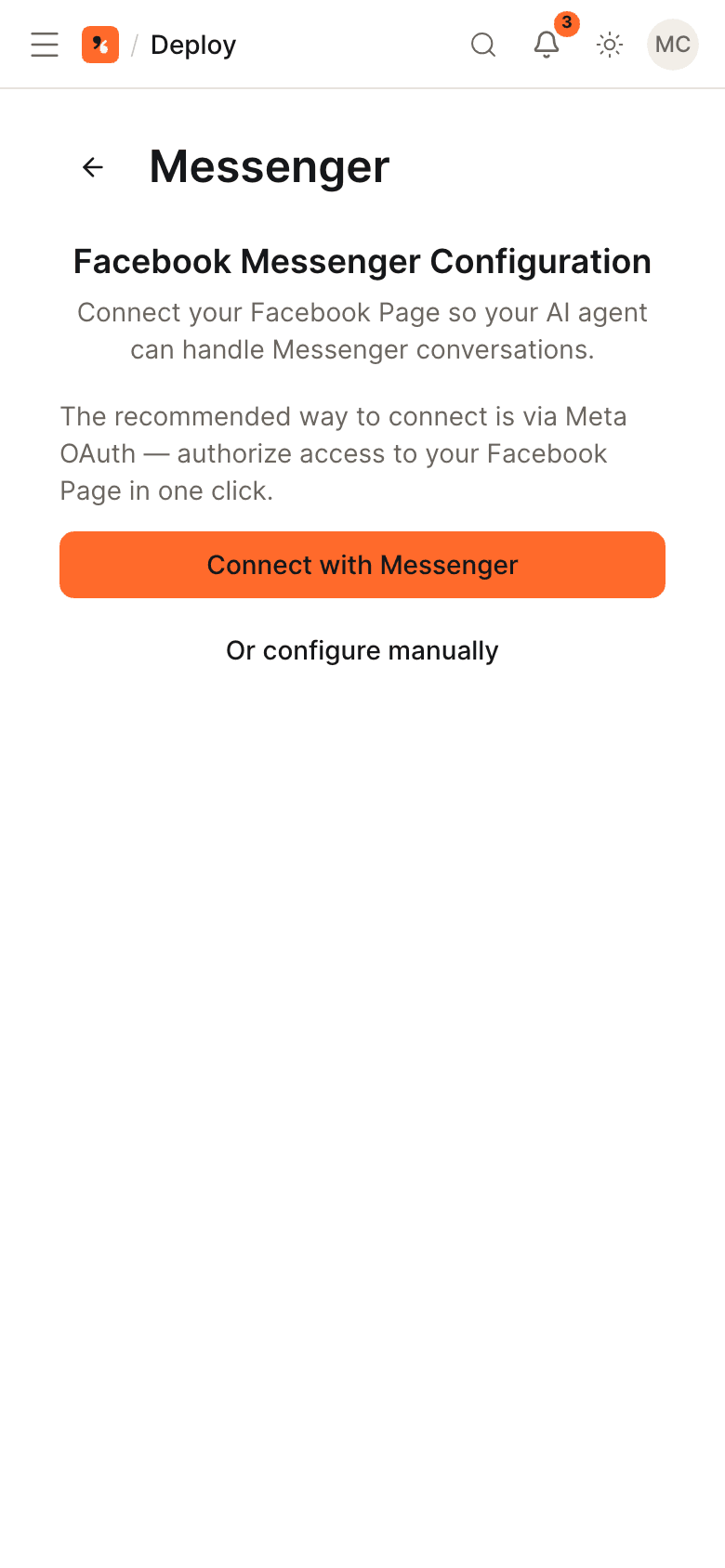
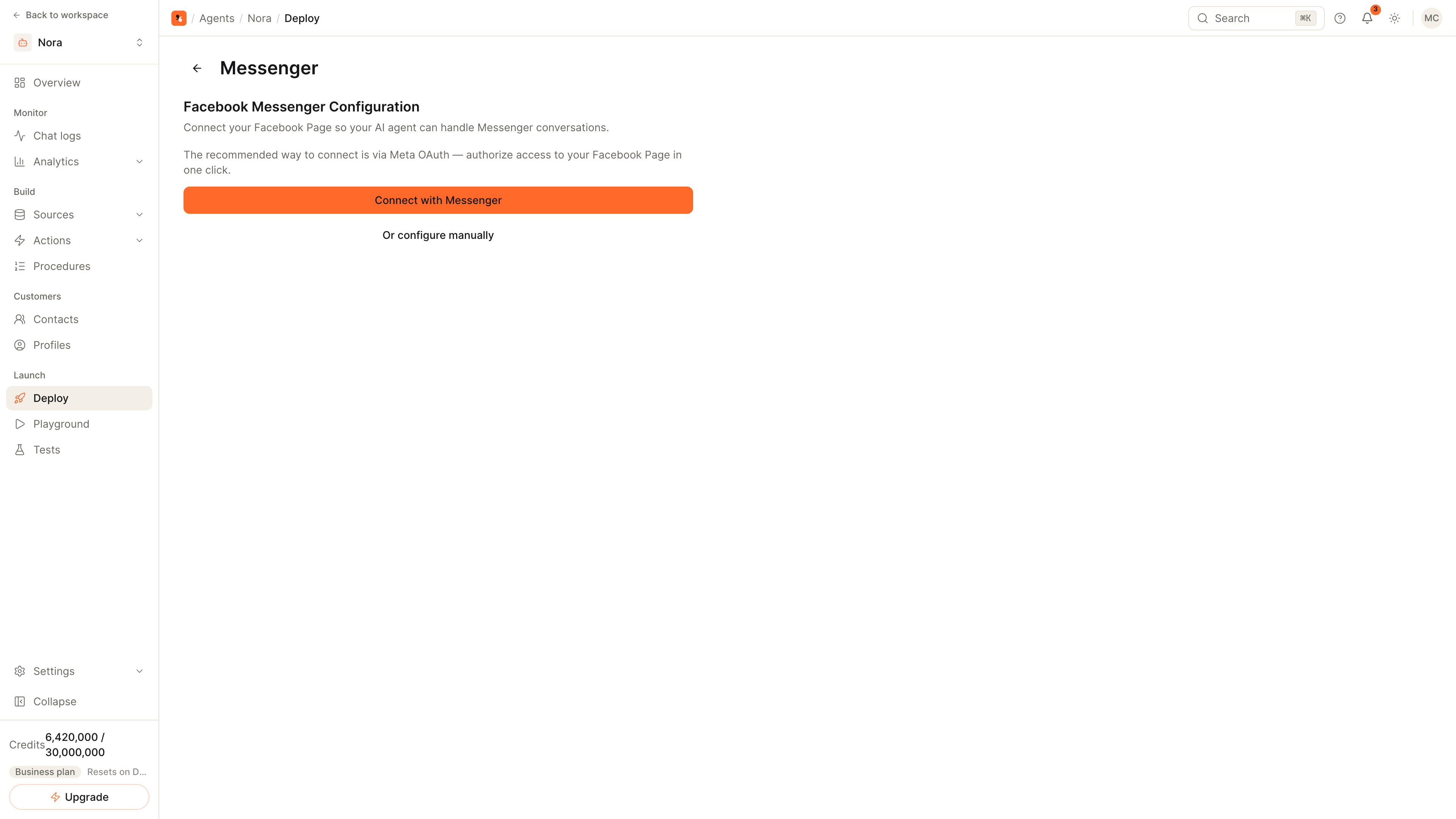
Connect Messenger
On the Messenger card, click Connect with Meta, then Open Facebook Login. Select the Facebook Page to connect and accept every permission Meta asks for; declining one stops the connection.
Test both inboxes
Each card now shows Active and a Manage button. From a personal account, send a direct message to the Instagram account and to the Page and check the replies. Then add escalation rules so a teammate can step in.
Why Meta asks for a Facebook Page
Both channels are connected through Facebook Login, and Meta ties messaging access to a Facebook Page:
- Messenger messages are sent to a Page, so you connect the Page itself.
- Instagram direct messages are reached through the Page your professional account is linked to. A personal Instagram account cannot be connected.
You need admin access to the Page in both cases.
If the connection does not finish
| What you see | What to do |
|---|---|
| Your Instagram account is not listed | Set the account to Business or Creator and link it to the Page, then connect again |
| Meta offers to continue with your previous settings | Choose Edit settings and select the Page and account again |
| The connection stops after the Meta dialog | Connect again and accept every permission; declining one blocks messaging |
Comments on posts
On Pro and above, a comment on one of your Messenger or Instagram posts starts a conversation with the agent. By default the commenter gets the answer in a private message. To answer under the comment instead, turn on Reply in public on the Post comments card in the agent's settings.
Related
- Instagram channel page and Messenger channel page.
- How to connect an AI agent to WhatsApp: the third Meta channel uses the same login.
- How to hand AI conversations off to a human: a teammate's reply is delivered in the same Instagram or Messenger thread.
Common questions
Why is my Instagram account missing from the Meta dialog?
Can the agent reply to comments on posts?
Do both channels share one agent?
Get started
Put the steps into practice
Start free, no credit card required.