How to verify signed-in users in the chat widget
Sign your logged-in users on your server and pass the token to the Sell Whisper AI widget so the agent knows who it is talking to. On Starter and above.
Do this in order
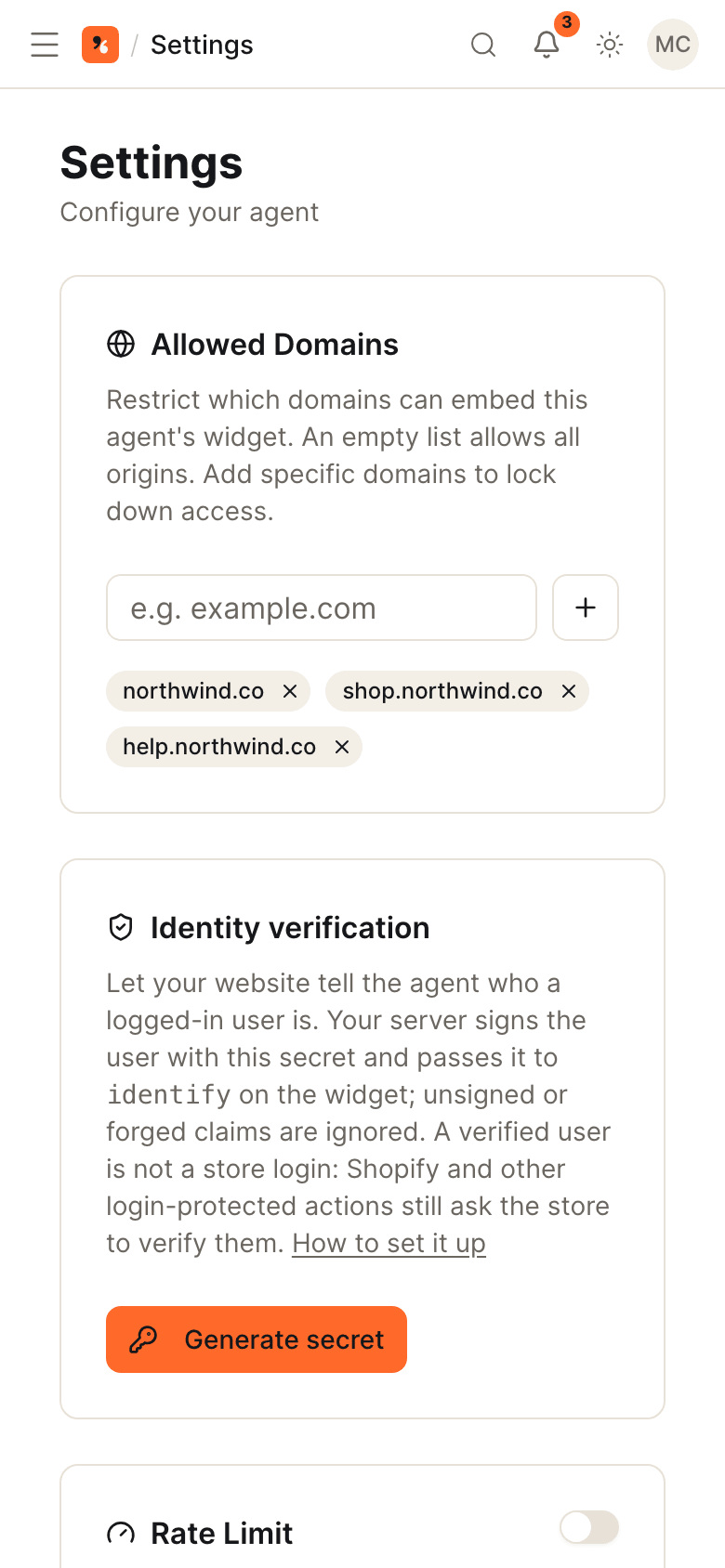
Generate the identity secret
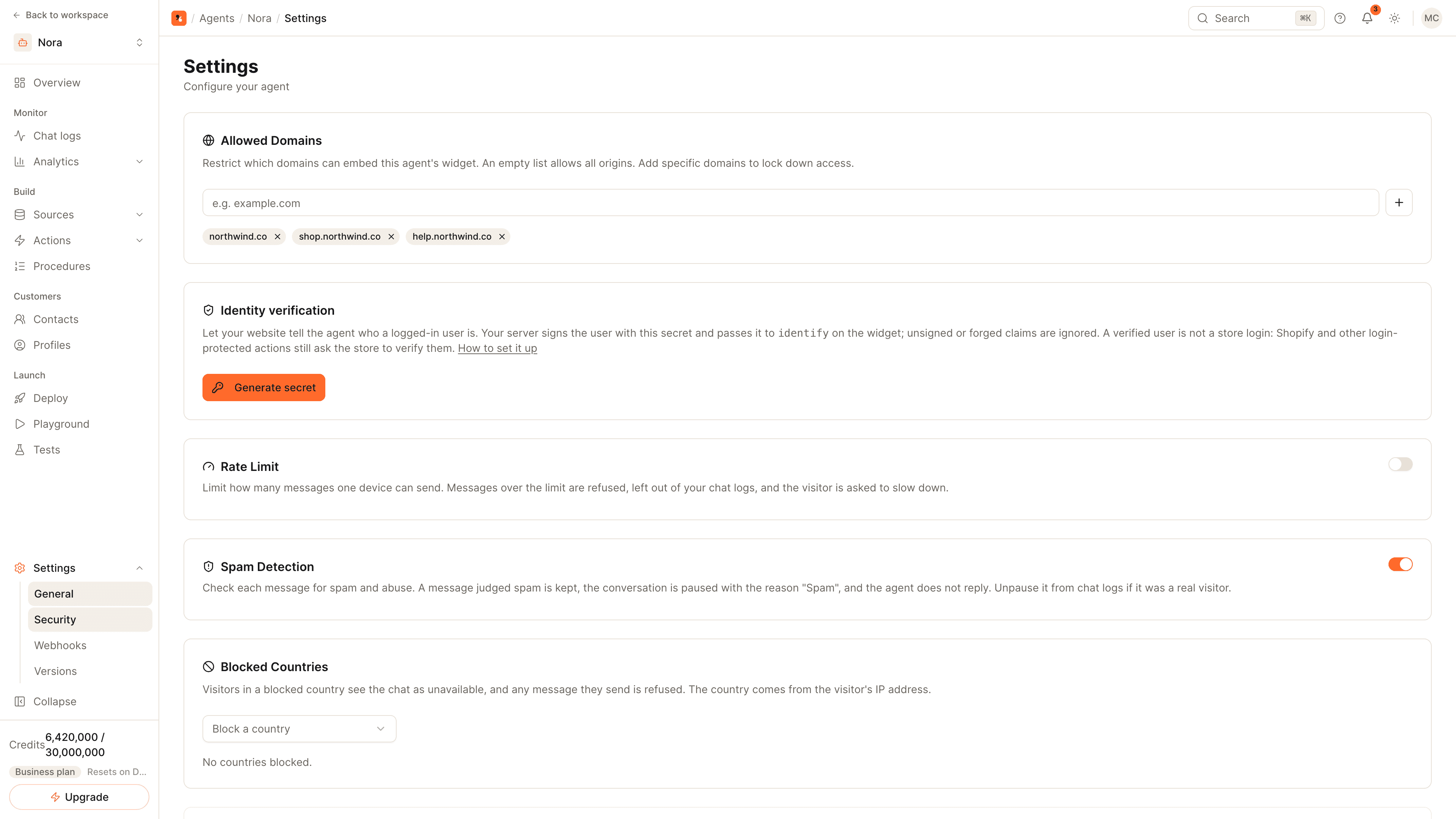
Open the agent, go to Settings, then Security, and click Generate secret on the Identity verification card. Keep the secret on your server only. Identity verification is available on Starter and above.
Sign the user on your server
When a user is logged in, create a JSON Web Token signed with the secret using HS256. Include user_id (or sub) and an expiry. Add the user's email and name if you have them; any other claim is saved as an attribute on the user's profile.
Call identify on the page
Once the widget has loaded, call SellWhisperWidget.identify with the token. Call it with null when the user logs out, so the next person on that browser starts anonymous.
Check a verified conversation
Open a conversation from that user under Chat logs. It carries a Verified badge with the user ID and attributes, and the user has an entry under Profiles.
Why verify
Without verification, the widget only knows what a visitor types. Anyone can type someone else's email address. A token signed on your server proves that your own site has logged this person in, so the agent can treat the user ID and attributes as fact.
What goes in the token
| Claim | Required | Meaning |
|---|---|---|
user_id or sub | Yes | Your stable ID for the user |
exp | Yes | Expiry time; keep it short and issue a fresh token on page load |
email, name | No | Shown with the conversation |
| Any other claim | No | Saved as an attribute on the user's profile, for example a plan name |
Sign it with HS256 and the secret from the agent's Security settings. If you cannot issue a JSON Web Token, pass a user_id with a user_hash, an HMAC of the user ID made with the same secret.
Rules to follow
- The secret stays on your server. Never put it in your website code, a mobile app or a public repository. If it leaks, rotate it from the same card.
- Sign per user, per session. Create the token when the page is rendered for a logged-in user.
- Clear it on logout. Call
identify(null)so a shared computer does not carry the identity over.
What you get
- A Verified badge on the conversation in Chat logs.
- A profile per user under Profiles, with the attributes you sent.
- Attributes you can insert into custom actions, so a call to your API carries the verified user ID.
A verified user is not a store login: Shopify and WooCommerce actions still rely on the store to confirm the shopper.
Node.js and Python samples for signing the token, and the page snippets, are in Identity verification.
Common questions
Does a verified user count as a store login?
What happens with a forged or expired token?
Can I use the user's details in actions?
Get started
Put the steps into practice
Start free, no credit card required.